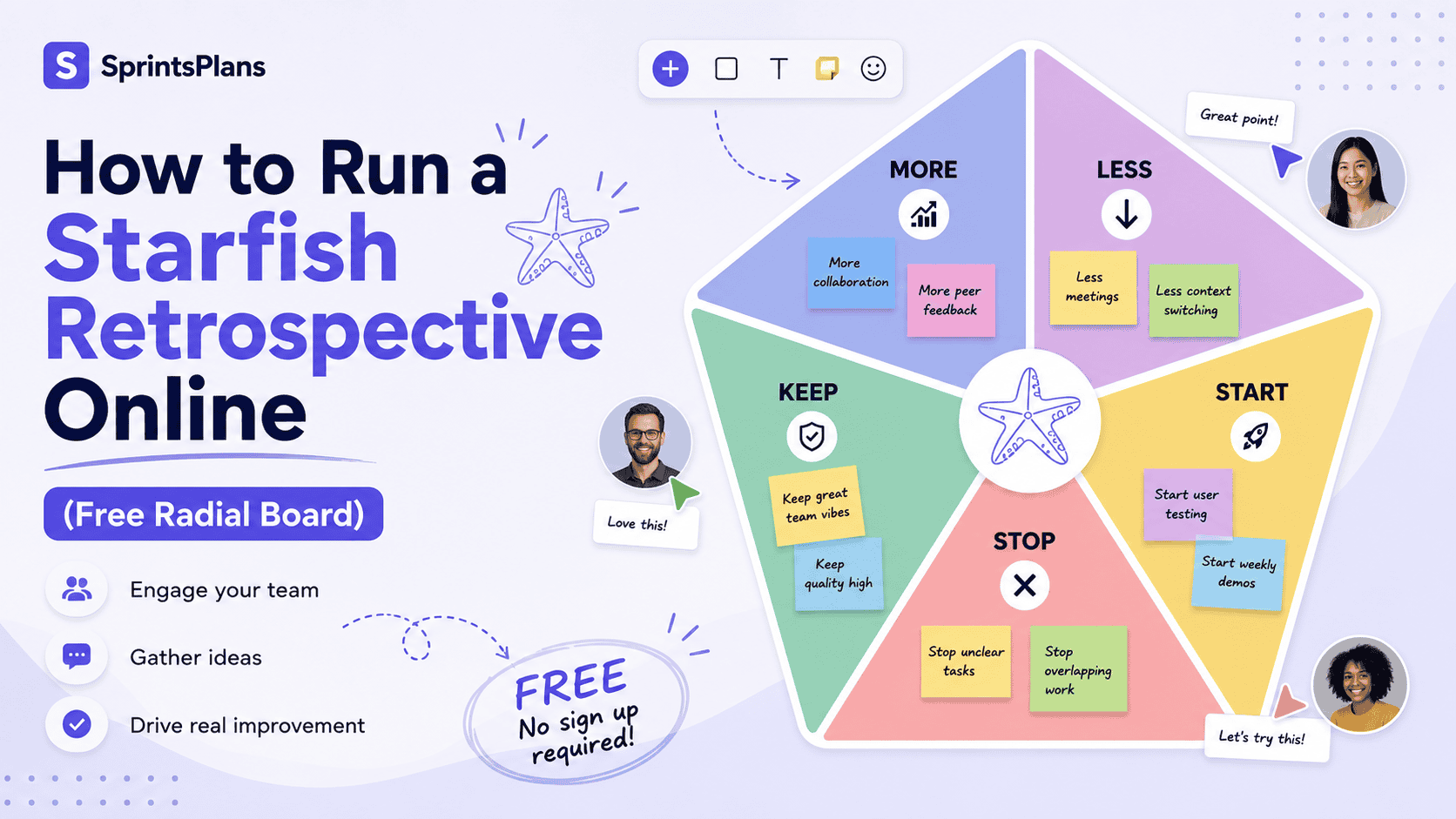
How to Run Effective Retrospectives with Remote Teams
Introduction
Remote work magnifies small problems in communication, trust, and coordination. Remote teams have fewer informal signals.
This guide explains the approach in practical terms: what it is, why it is useful, when to use it, how to apply it step by step, and which mistakes to avoid.
What is it?
A remote retrospective is a structured reflection session for a distributed team. Participants contribute observations on a shared online board, identify patterns, discuss priority topics, and agree on improvements for the next work cycle.
Why is it useful?
Remote teams have fewer informal signals. Friction can remain hidden across time zones, written communication may be misread, and quieter participants can disappear inside video calls. A well-designed remote retrospective creates a predictable place to surface those issues and improve collaboration.
Benefits
- Equal contribution through written input before open discussion.
- More honest feedback when anonymous submission is available.
- A durable record of themes, votes, and action items.
- Better inclusion for team members across locations and communication styles.
When should you use it?
Use a remote retrospective at the end of a sprint, project phase, release, incident, or major collaboration cycle. Run one sooner when the team shows signs of repeated handoff delays, unclear ownership, meeting fatigue, or unresolved tension.
How to do it
- Prepare the board. Choose a simple template and add the retrospective goal, timebox, and scope before the meeting.
- Allow quiet writing time. Give everyone several uninterrupted minutes to add observations before discussion begins.
- Use anonymity intentionally. Enable anonymous input when hierarchy, conflict, or fear of judgment may reduce honesty.
- Group related cards. Combine duplicate observations and name the themes in neutral language.
- Vote before discussing everything. Use anonymous voting to focus limited meeting time on the topics with the highest team impact.
- Create small owned actions. Assign an owner, due date, and success signal. Review previous actions before closing.
Real example
A remote engineering team kept missing handoffs between Europe and North America. In live calls, people blamed time-zone overlap. Anonymous retro cards revealed a different issue: tickets often lacked acceptance details before the European team ended its day. The team introduced a readiness checklist and a two-hour decision cutoff. Handoff delays dropped during the next sprint.
Common mistakes
- Starting with open discussion before everyone has written input.
- Using a complicated board that requires more explanation than reflection.
- Allowing the loudest participants to determine priorities without voting.
- Ending with vague actions such as communicate better.
FAQ
Should cameras be required?
Not necessarily. Participation quality matters more than camera status. Written input and clear facilitation can support engagement without forcing video.
How long should a remote retrospective last?
For a two-week sprint, 45 to 60 minutes is common. Shorter sessions work when the scope and template are focused.
Can feedback be collected before the meeting?
Yes. Async collection can help time-zone coverage, but reserve live or overlapping time for interpretation, decisions, and commitments.
Conclusion
Remote retrospectives work best when they are designed for equal input rather than copying an in-person meeting onto video. Use quiet writing, anonymity, voting, tight facilitation, and concrete follow-through.
Call To Action
Create a SprintsPlans retrospective board, share one link with the team, collect feedback in real time, and turn the top-voted issue into an assigned action.